

A while back I wrote on how to get started with registering a Microsoft Account, accessing materials on Microsoft Learn and booking in exams. You can find that here, but there have been further significant changes since then!
The End of an Era – Retirement of the MCSA/MCSE/MCSD Certifications
Early last year, Microsoft announced the retirement of the Microsoft Certified Solutions Associate, Expert and Developer certifications in order to focus on the new Role-Based Certifications.
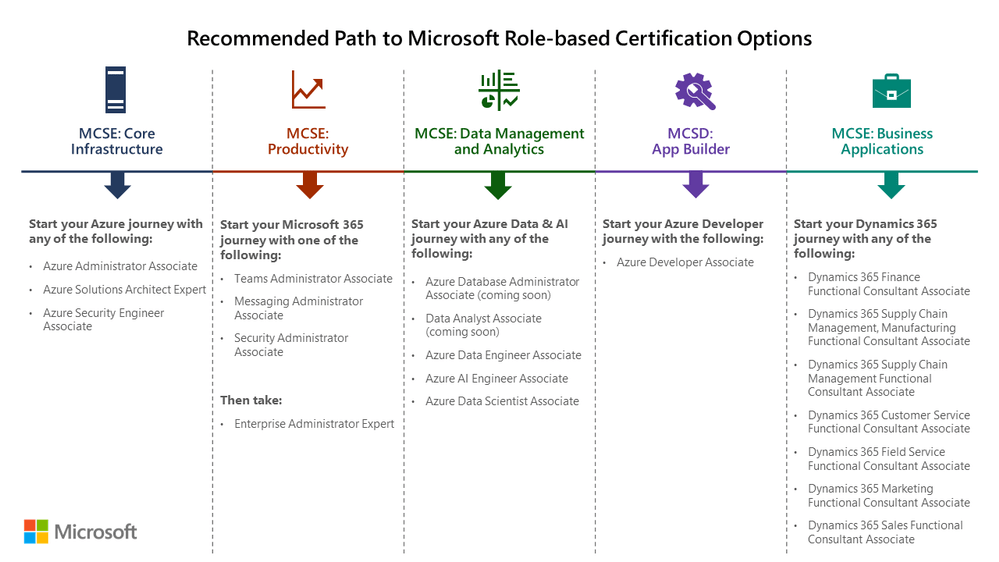
From this suggested transition plan, we can see there is a lot more focus on Cloud/Azure.
The original retirement date oh 30th June 2020 was extended due to the COVID-19 Pandemic, so 31st January 2021 was the new date.
This meant that qualifying pre-requisite exams and certifications could still count towards new Role-Based Certifications until the new expiry date.
Microsoft Partner Competencies also respected the extension of the retirement date and a Partners were granted a free pass for KPIs for another Microsoft Partner Membership Year.
A New Age – Role-Based Certification Changes
There are now exams and certifications in the major stacks across Microsoft’s Cloud Services: Microsoft 365, Azure, Dynamics 365, Power Platform and Security & Compliance.
Since the new Role-Based Certifications started in late 2018, there have been revisions and retirement of several exams and certifications. A welcome entry has been the Fundamentals exams for each stack and some more specialised areas such as Azure AI and Azure Data (Science and Analysis).
You can find a quick guide at https://aka.ms/TrainCertPoster
There has also been a change in the service that displays your new pretty Certification badges. You now have to create an account over at Credly and link your account. All your accomplishments from Your Acclaim can be found in your Credly profile now.
So what’s next?
Out with the old and in with the new, what’s the catch?
The Role-Based Certification validity periods has now been reduced to 1 year as of 1st July 2021. Any certifications obtained prior to that date will still have the 2 year validity.
The good news is we do not need to re-sit the exams to renew the certifications and just have to pass a free online assessment every year.
6 months before the expiry of a certification, Microsoft Certification Program will send you an email advising that you are now eligible to renew your certification. You will also receive a few warm remind emails.
From the email you will be directed to Microsoft Learn, where your account will display eligibility for renewal and remaining time until expiry. You can also view your upcoming renewals in your Microsoft Certification Dashboard.
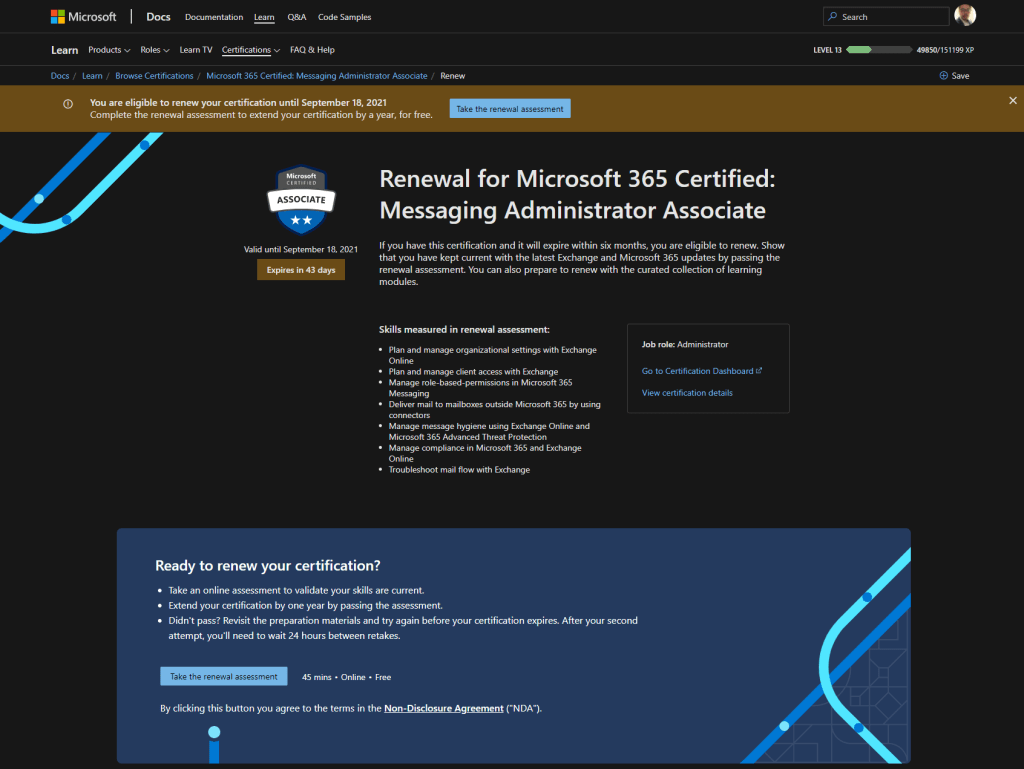
This page will also list the relevant Learning Modules on Microsoft Learn that cover the content for that certification. You can also go to the respective exam pages and note the Learning Path.
I recommend clicking on Save and adding to a Collection to better manage and access these modules.
Once you have completed your revision, click on the Take the Renewal Assessment button.
You will be presented a selection of multiple-choice questions, the number may vary but I had 20 questions in my Messaging Admin Renewal Assessment. There was a range in difficulty across the questions, and some were like small case studies – quite similar to the question styles in the formal exams.
While it is un-proctored and “open book”, some of the questions can be challenging where as others require you to carefully read the options!
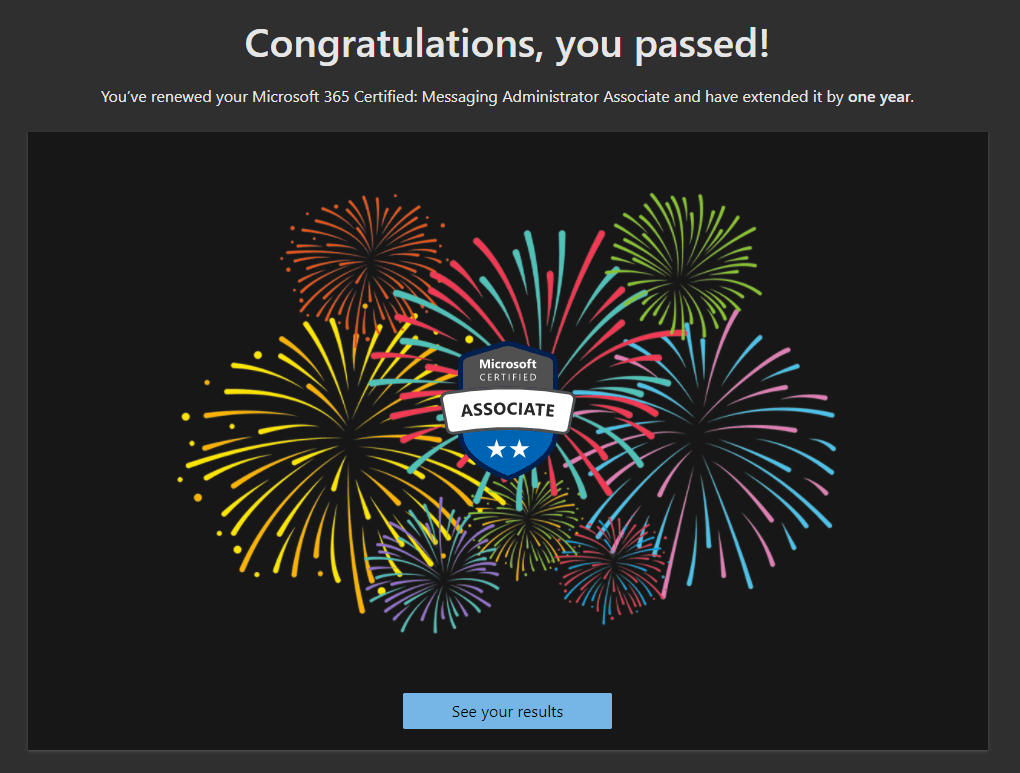
On successful completion you receive a congratulatory message and access to your results. The Certification is then extended by a year from the original expiry date.
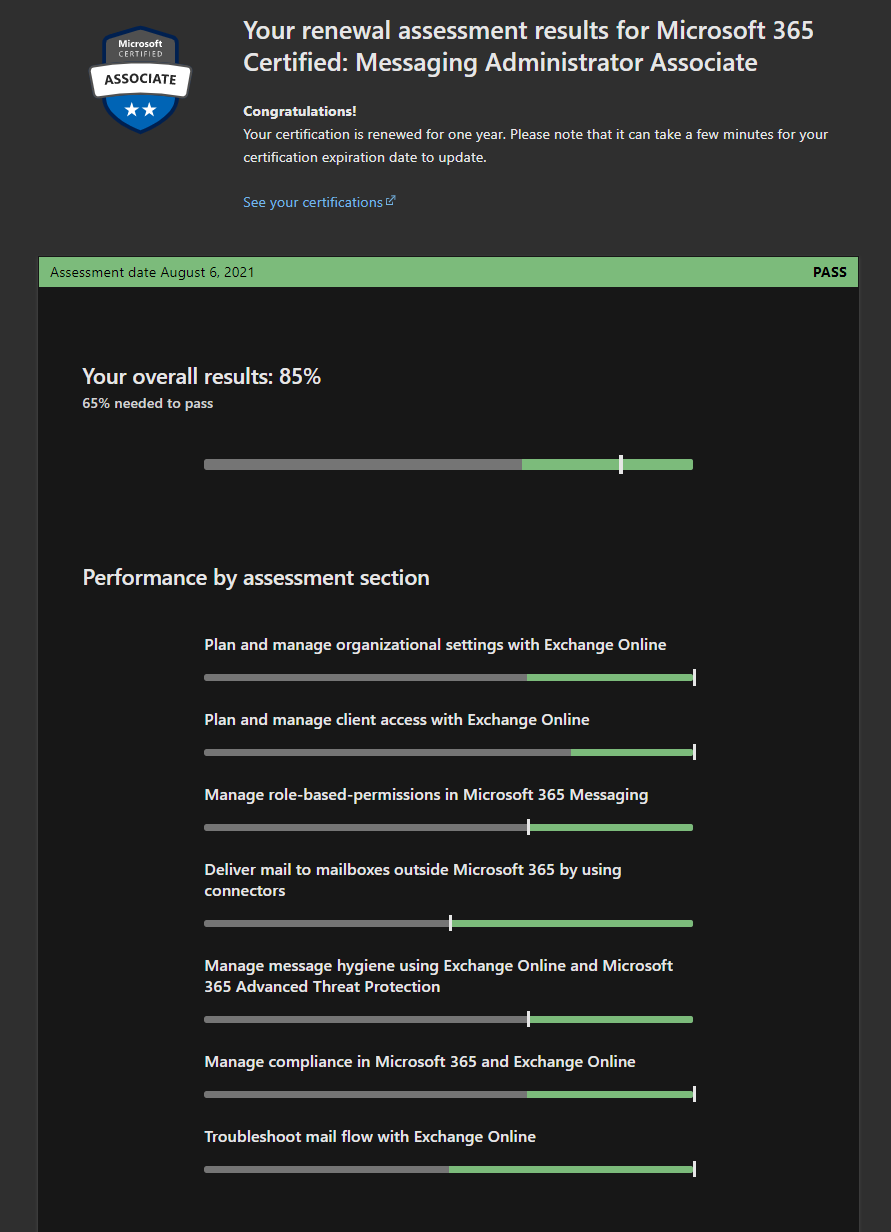
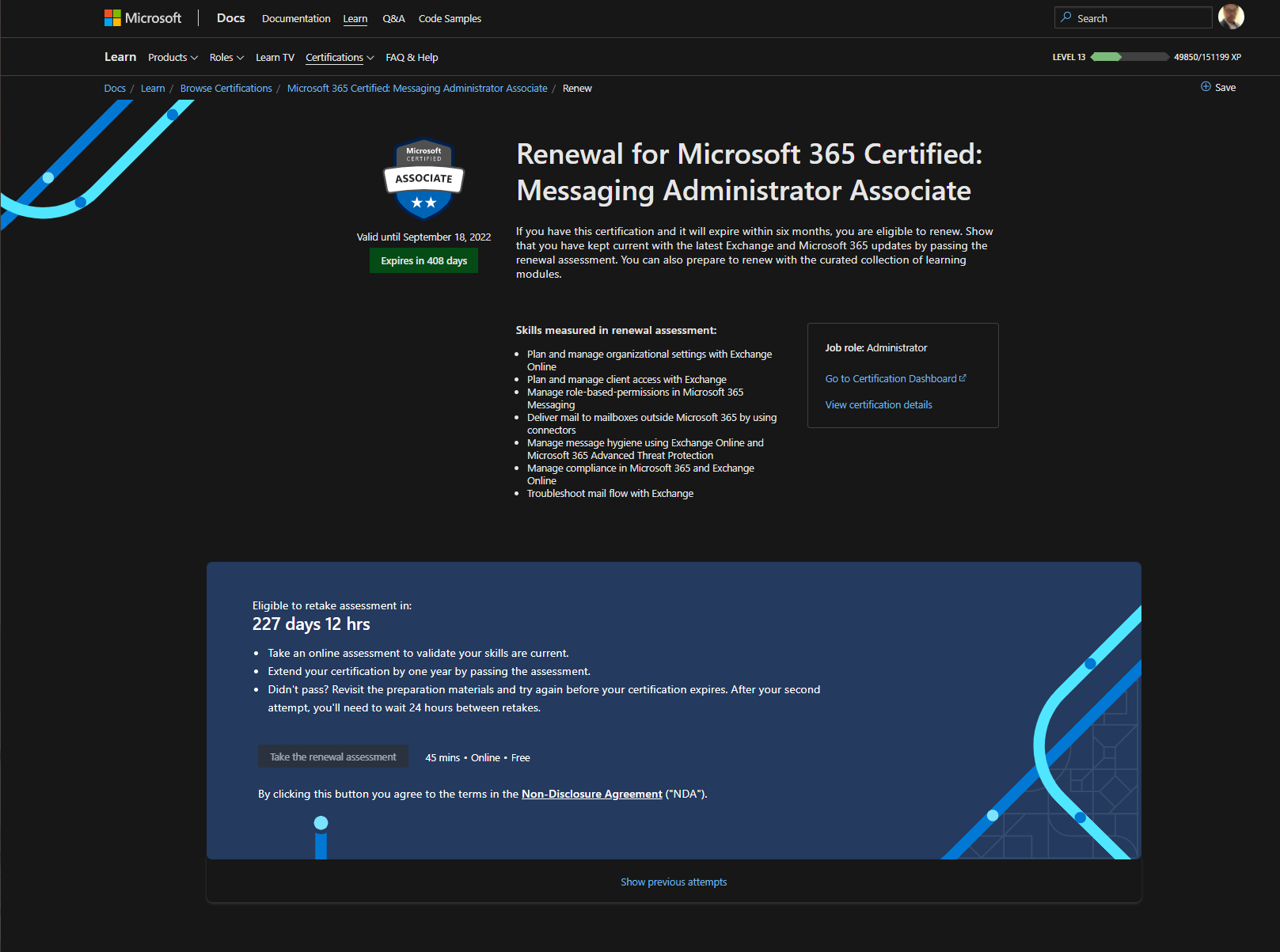
If you are unsuccessful, you may immediately retry and if subsequently you do not succeed you will need to await a 24 hour cooldown before re-attempting.
I found this process quite fun and relaxed compared to the real deal in a testing center or under web cam scrutiny in a proctored environment.
Jeff Brown covers this in much, much greater detail on his blog and I highly recommend spending the time to read through his coverage.
What’s all the fuss about?
Are you on the fence still? Or are you getting told to take some exams and not convinced?
Besides providing a smooth and easily accessible platform to learn from, Microsoft has done some study and survey into the benefits of being certified. Here are some figures from a video on the Certifications page:
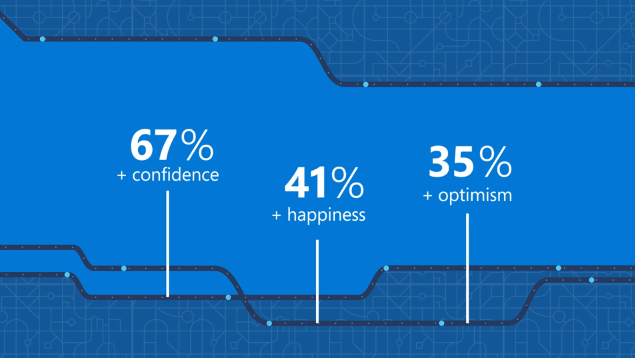
Anything you can do to bring more and joy to your work will be worth your time and effort. And be sure to show you are #ProudToBeCertified !
It has been such a very long time since my last post, even my hiatus has a hiatus! I will get around to publishing the many started drafts…
From pandemic lock-downs to civil unrest to personal loss, the past year and a bit has been a tough time mentally. Sadly exercise has taken a toll too~
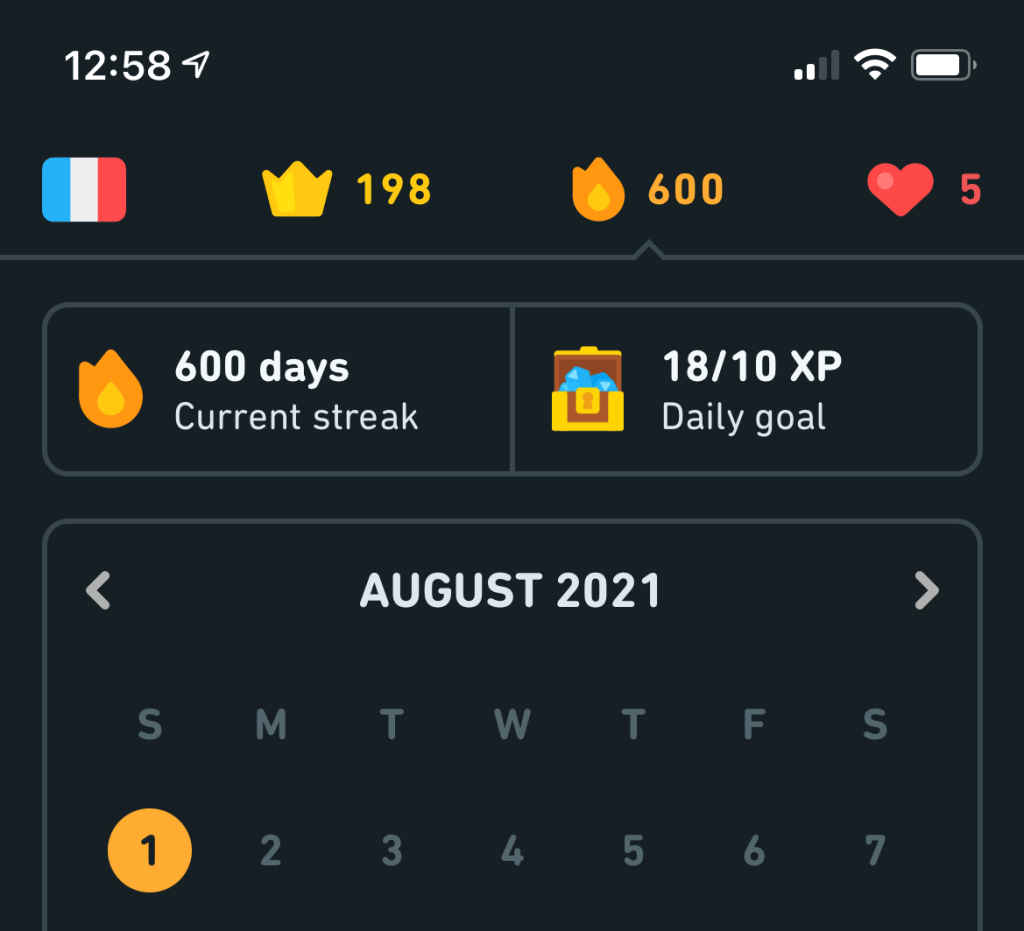
I have, however, managed to scrounge up over a 600-day streak in Duolingo (some streak freezes were required 😅)
Quick plug, we will have Microsoft Senior Product Manager (SharePoint / Lists), Mark Kashman from The Intrazone on the line from 10 AM for our next online meetup for the Adelaide Microsoft IT Pro Community user group.
 M365 Senpai